The all-in-one AI marketing agent for solo-founders.
It researches your prospects, writes your outreach and content, and never lets a follow-up slip. It starts the work itself, every day, for a fraction of what one marketer costs.
The loop is the brand. Nine parts on one ring. The opening at the top is the gate, and the orange point is you.
One post. A point from Tuesday's call lights the voice, then the writer. It stops at the gate until your tap. Then it is live.
One prospect. Research picks the person, the sequence warms them, follow-up keeps the thread. The reply still ends at your tap.
The ring never closes itself. That is the design: nothing publishes and nothing sends until you close it. No setting turns it off.
The next client always loses to the current ones.
You sell expertise, and it sells best in conversation. But the work that starts conversations, finding right-fit prospects, reaching out, following up, is exactly the work that slips while you serve the clients you already have. The studio runs that work every day. You decide what goes out.
The right people first
It researches a prospect before a word is drafted: who they are, what they sell, why now. You approach fewer people, better chosen, instead of working another poor-fit list.
Conversations, opened
Outreach leaves with a reason attached, written for the one person receiving it. The aim is a first real conversation with someone worth talking to.
Follow-up that arrives
Deals rarely die on a no. They die in a dropped thread. The studio keeps every open conversation on file and drafts the next touch at the right moment.
Built to move first.
A tool waits for instructions. Your studio starts the round itself: it reads the week, researches who to contact, drafts what should go out, and lines the whole batch up for your review. If you do nothing, nothing ships. If you tap, it moves.
You run it from chat.
The studio lives in one private chat on your phone. Most mornings it reaches you first, with work ready to read and a question worth a tap. You can also just ask it for anything.
It replies with options you can tap, so a decision is one thumb away while you walk between meetings.

You review on a canvas and mark it up like a proof.
Open any draft and it lays out in full, the way it will really ship. You read it as your audience will read it.
Leave a line of feedback and the studio redoes the draft. It also remembers the preference, so later drafts arrive already corrected. The version that goes out is the one you signed off.

Your day fits on one board.
One board shows what is waiting on you, what posted, and what came back. You see the whole day in a glance.
What needs a decision sits at the top. Everything else is there when you want it, quiet until then.

Everything it does is on the record.
Every draft, every send, and every reply is written down in plain language. You can read exactly what happened and when.
Ask what went out this week or who replied, and the answer is already there. No status call required.

You set the rules once.
Your voice, your buyers, and your limits are set once and held. The studio works inside them every day after.
Turn notifications on or off, connect an account, or step in and change a rule whenever you want.

What it reads. What it makes.
Every part of the studio draws on the same memory of your business: your offer, your voice, your calendar, your calls, your notes, and the conversations already in motion. That is why the pieces connect. Your positioning decides which prospects it researches. A point you made on a call becomes a post. Last week's reply shapes this week's follow-up. Feedback on one draft carries into every draft after.
Outreach that warms up before it asks.
Every prospect gets a researched sequence, spaced over days. The studio views the profile, follows, then sends a connection request and messages written for that one person. When someone replies, their sequence stops and the conversation comes to you.
-
First
It warms up
A profile view and a follow, so your name is already familiar when the request arrives.
-
Then
It connects and writes
A connection request, then messages built from the research it did on that person, spaced over days.
-
On a reply
It stops and hands over
The sequence stops for anyone who answers. A drafted reply lands with you, and the conversation is yours from there.
The engine, layer by layer.
Nine layers, one machine. Every layer reads the same memory of your business, and everything outbound passes the orange one. Tap a layer, or a name.
What comes out of the studio.
A LinkedIn carousel, an interactive lead magnet, a long-form document. Each one drafted, designed, and queued for a single tap. Open any of them in full on the examples page.
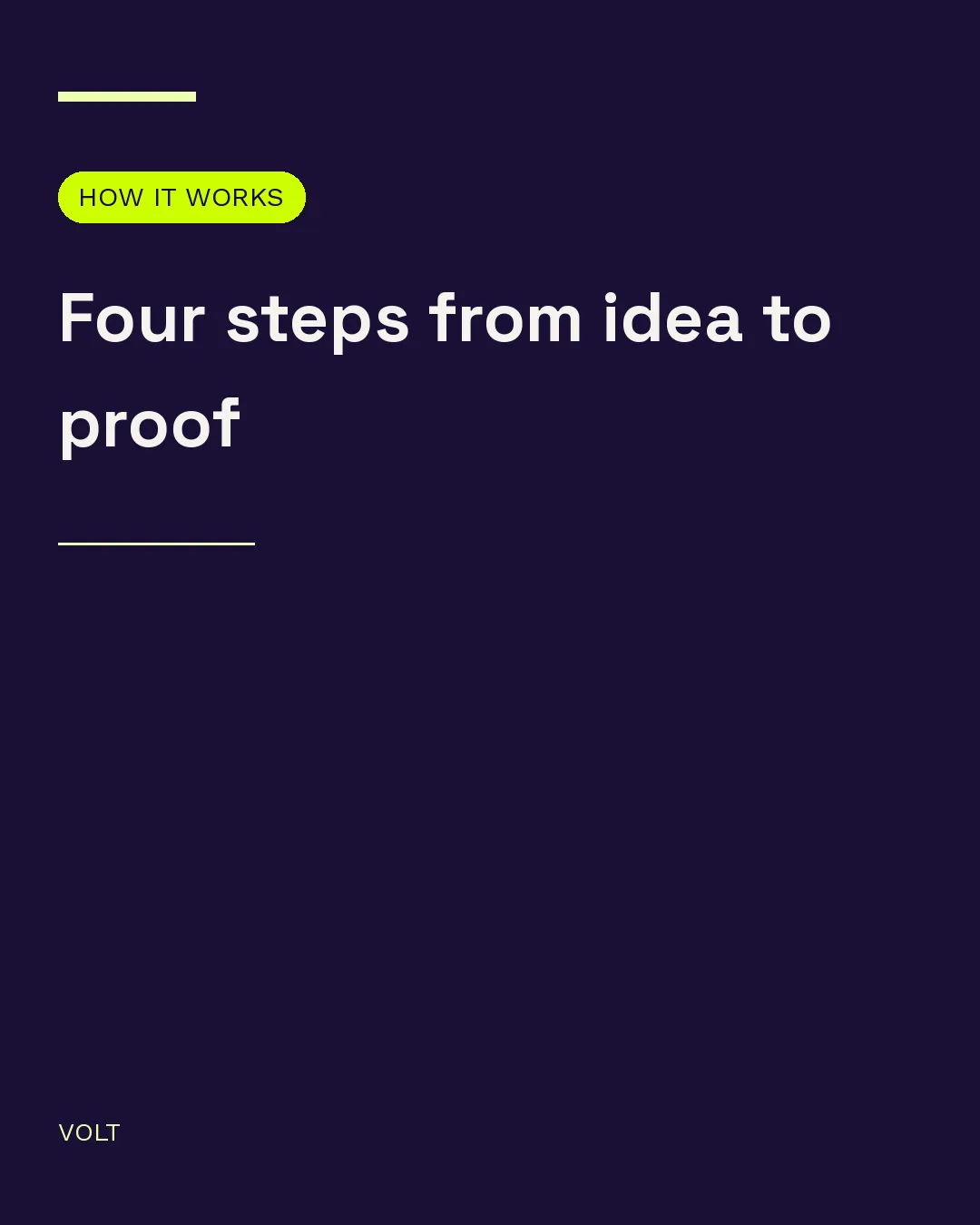
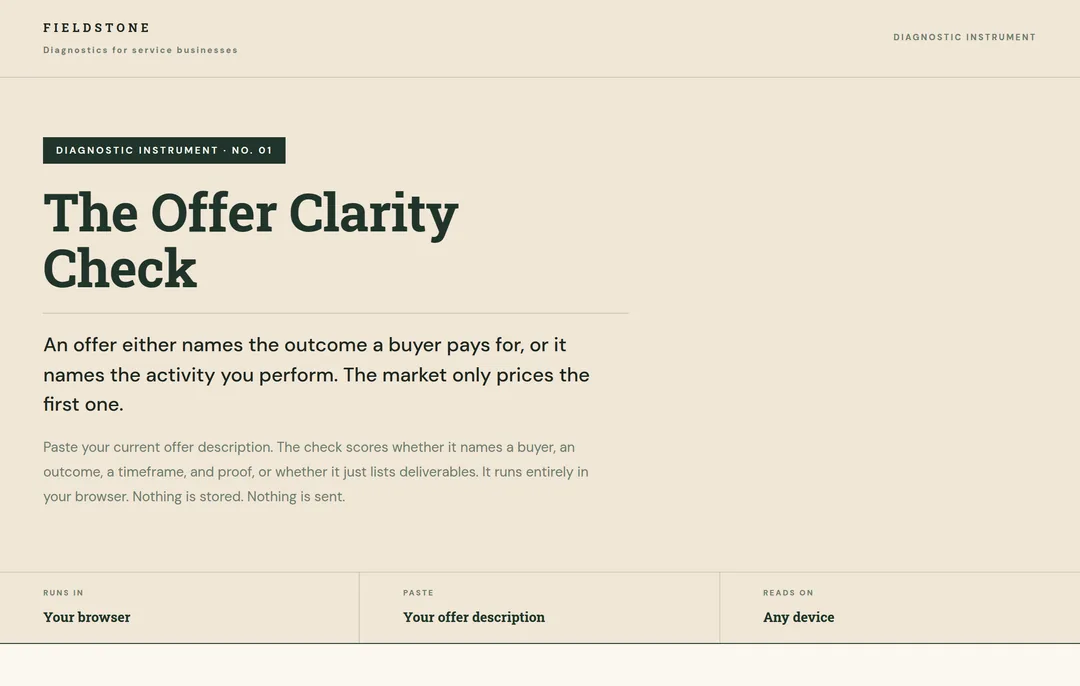
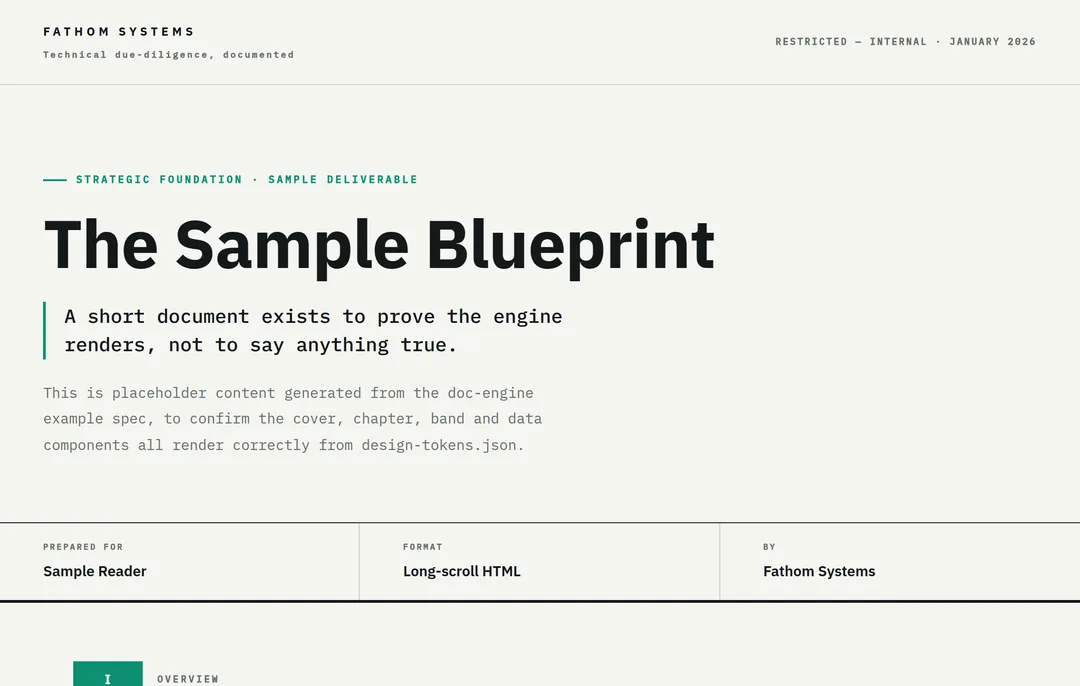
Real studio output, de-branded. VOLT, FIELDSTONE, and FATHOM SYSTEMS stand in for the client names.
Nothing goes out until you tap Approve.
Every post, every message, every reply starts as a draft waiting on you. The studio prepares. You decide. The rule is built into the system, and no setting turns it off.
AI can make things up. That is exactly why the rule exists. Every draft comes from your calls, your notes, and your replies, and you read it before anyone else ever will.


-
Step 1
The studio drafts
It writes the post or the outreach message and places it in your review queue.
-
Step 2 · You
You approve
You read it in the chat or in the web app. One tap: approve, edit, or reject.
-
Step 3
Only then it ships
Approved posts publish on schedule and approved outreach goes out, even while you are offline. Nothing else moves.
A whole stack, folded into one studio.
The motion is always the same. Find the right people, open conversations, write, publish, follow up. Founders cover it with a row of tools and freelancers, and every one of them needs its own direction, its own updates, its own handoff. A studio folds the whole motion into one place and leaves the last word with you.
- A ghostwriter
- A carousel designer
- An outreach VA
- A scheduler
- Weekly status calls
One studio. One approval loop. Your voice.
One studio, against the usual options.
The same job, four ways to buy it.
| Ops Studio | A marketing hire | An agency | A stack of tools | |
|---|---|---|---|---|
| Cost | A fraction of one salary | A full salary | A monthly retainer | Per-seat fees that stack |
| Hours | Every day, always on | Office hours | Office hours | Only when you drive it |
| Prospect research | Built in | Depends on the hire | Extra scope | A separate tool |
| Outreach and follow-up | Built in, no dropped threads | Manual | Run by a junior | Sequences without context |
| Content and design | Built in, in your voice | Usually outsourced | Generic by volume | More separate tools |
| Memory of your business | One, across everything | In their head | Spread across a team | None |
| Your control | You approve every piece | Weekly check-ins | A monthly report | All of it is on you |
Every studio stands alone.
Each founder gets a whole studio: its own locked account on our server, its own database, its own keys. No path leads from one studio to another.
Your own studio
Each client runs in a separate, locked environment with its own keys. No other studio can reach it.
A gate on everything outbound
Nothing posts and nothing sends until you tap Approve. The gate holds for every piece, every time.
Your files stay yours
Your work lives as plain files you can take with you. If you ever leave, it all leaves with you.
Your studio keeps no analytics
The studio we build for you carries no tracking code. It works for you, and sends your activity to no one.
We set it up. You just show up.
There is nothing to install and nothing to configure. We build your studio, connect your accounts with you on one call, and hand you a working system. From then on you reach it in a private chat on your phone, plus a small app, opened from that same chat, for the day's review.
-
01
We build it
Your studio is assembled in its own locked account, loaded with your material, and tuned to your voice.
-
02
We connect it, with you
On one call, your calendar and LinkedIn are linked, and your private chat with the studio is opened. Every permission is granted by you and revocable by you.
-
03
You use it
Message it like a colleague. Review the queue. Tap approve. That is the whole job.
Access you grant.
Access you can revoke.
Connecting Google Calendar takes one tap and is entirely optional. Your studio reads your events so it knows who you are meeting, and files the transcripts of those calls inside your own studio, where your thinking becomes material for posts.
You can revoke access at any time from your Google account. What we store and why is written down in the Privacy Policy; the rules of the service are in the Terms of Service.
- Calendar access is read-only and granted by you.
- It is used to prepare you for calls and file their transcripts.
- Everything stays inside your own studio.
- Nothing is published or sent without your approval.
- Disconnect whenever you want. The studio keeps working without it.
The things founders ask first.
Will it sound like me?
It learns your voice from your own material: your calls, your notes, and your past posts. The drafts are built from what you have already said, so they read like you.
When a line is off, you fix it once and the studio carries the correction into every draft after. Nothing goes out until you approve it.
What stops it publishing something wrong?
The approval rule. Every post, message, and reply waits as a draft, and nothing moves until you tap Approve. No setting turns it off.
So a draft you never approved never leaves your studio.
How much of my time does this take?
The studio does the drafting, the design, and the research. Your part is reading the queue and tapping approve, edit, or reject, on your own schedule.
Do I need to be technical?
No. You reach the studio in a private chat on your phone, plus a small app that opens from the same chat for the day's review. There is nothing to install and nothing to configure.
Where does my work live?
In your own studio: its own locked account, its own database, its own keys. No other client can reach it, and it cannot reach theirs.
The full model is on the security page.
What happens to my ghostwriter and my VA?
The studio covers the same ground: writing, design, research, follow-up, and scheduling. You can keep a person for the judgement calls and hand the daily grind to the studio.
You decide the split. The work stays in your queue either way.
What if I want out?
You take everything with you. Your files, your voice profile, and your content are yours, saved as plain files you can download.
There is no lock-in and no black box. If you leave, it all leaves with you.
Watch a live studio work.
Outreach dies on cold lists and dropped follow-ups, and the feed forgets whoever pauses. A studio fixes the mechanics: the right person, a real reason, follow-up that arrives, posting that does not stop. Book a demo and watch a live studio run. Decide from there.